
Attackers use a malicious combination of fake CAPTCHA challenges and deceptive ‘ClickFix’ prompts to trick users into launching credential stealing malware via PowerShell.
How the Attack Works
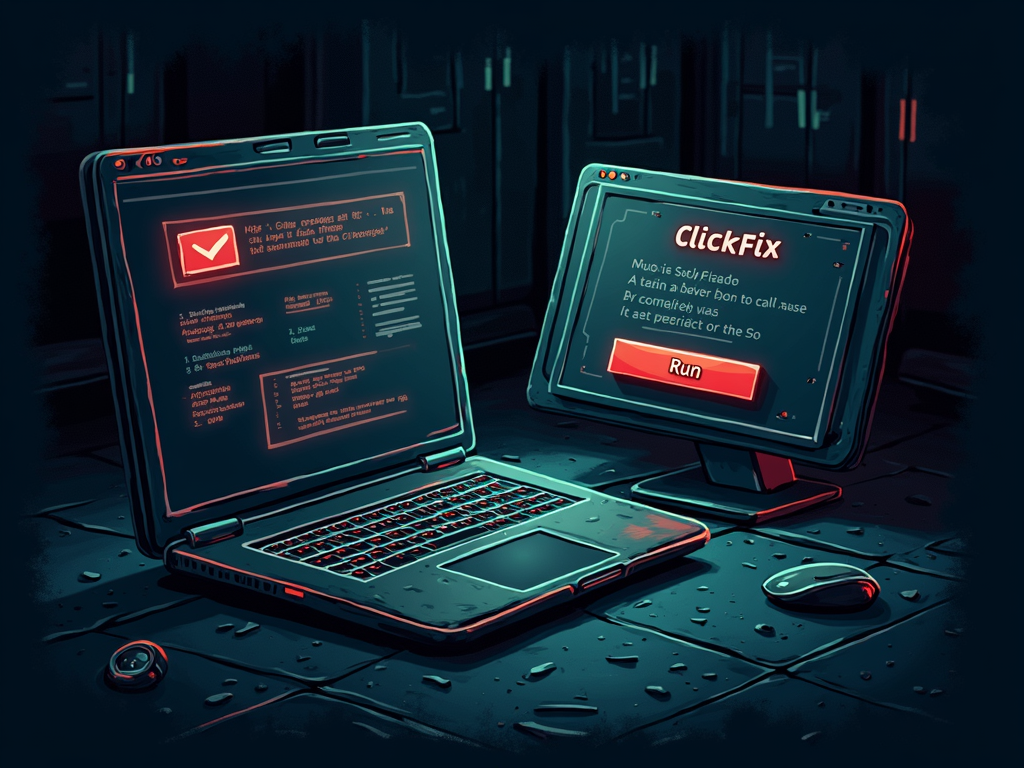
Cybercriminals have combined two familiar web elements, CAPTCHA challenges and ClickFix prompts, to create a more convincing credential theft campaign. The attack typically begins when a user visits a compromised or malicious website. Instead of the expected content, the site presents a fake CAPTCHA verification step. The user is asked to prove they are human by completing a simple puzzle.
Once the CAPTCHA is solved, the site displays a ClickFix prompt, which mimics legitimate browser update or software installation dialogs. Following the instructions in this prompt often leads to the execution of a hidden PowerShell command. This command downloads and runs malware designed specifically to harvest login credentials, cookies, and other sensitive data stored in the browser.
Impact and Scope
This two step social engineering technique is highly effective because it abuses user trust in widely recognized interface elements. The campaign targets both individuals and organizations, aiming to compromise business email accounts, cloud services, and financial portals. There are currently no specific CVE identifiers tied directly to this campaign, as it relies on social manipulation rather than exploiting a software vulnerability. However, the approach lowers the barrier for attackers, allowing them to bypass some traditional security controls that do not detect user interaction based deception.
The campaign has been observed across multiple sectors, indicating a broad threat landscape. Security teams should reinforce user awareness training about fake verification prompts and unexpected ClickFix dialogs. Monitoring for unusual PowerShell activity and browser extension installations can also help detect infections early.
Source: Cyber Security News