
How Lockdown Mode Works
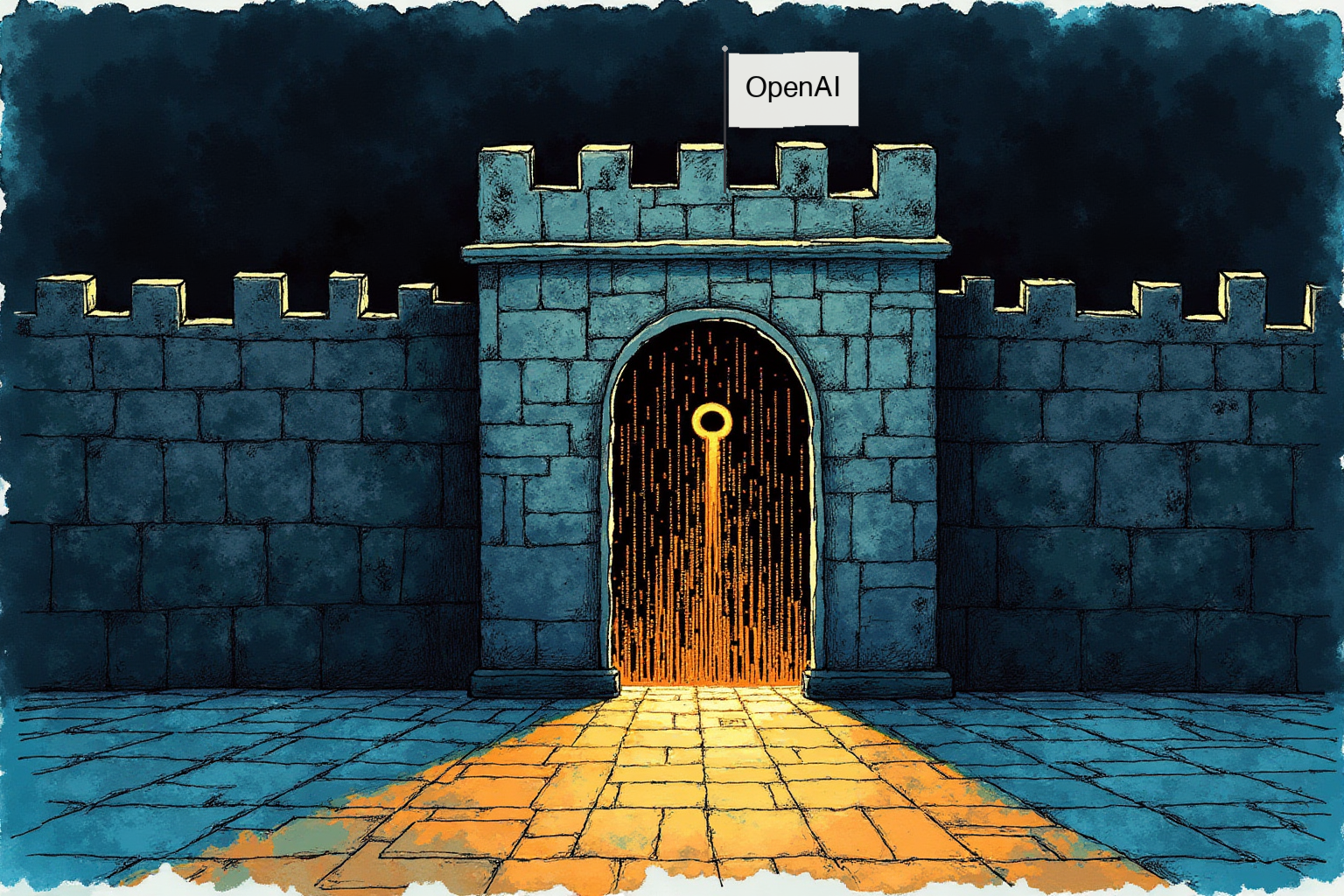
OpenAI has introduced a new security feature for ChatGPT called Lockdown Mode, designed to prevent attackers from stealing data through prompt injection attacks. Rather than stopping malicious prompts from being processed, Lockdown Mode focuses on the final stage of the attack: preventing unauthorized outbound network requests that would send sensitive information to attacker-controlled servers.
When active, the feature restricts several capabilities. Live web browsing is limited to cached content only, which may be outdated. Image retrieval is blocked, deep research is fully disabled, and the agent mode is turned off. ChatGPT also prevents Canvas generated code from making network requests and cannot download external files for data analysis. Memory, file uploads, conversation sharing, and model training settings remain unaffected and can still be configured independently.
Impact and Scope
Lockdown Mode is now available for eligible personal accounts, self-serve ChatGPT Business users, and managed enterprise workspaces. OpenAI categorizes third party app and connector configurations into risk tiers for Lockdown Mode environments. High risk configurations include read or write actions for untrusted apps, which are explicitly not recommended. Medium risk covers sync connectors and read actions for trusted apps, which carry lower risk but can still expose sensitive data. Lower risk applies to write actions for trusted apps where side effects are visible only to trusted parties.
For managed workspaces, Lockdown Mode does not automatically disable all connected applications. Administrators must manually configure role based access controls, assign trusted apps, and audit connector permissions to maintain security. While the feature does not stop prompt injections from entering the model’s context through uploaded files or cached content, it closes the exfiltration pathway that makes these attacks dangerous.
Source: Cyber Security News