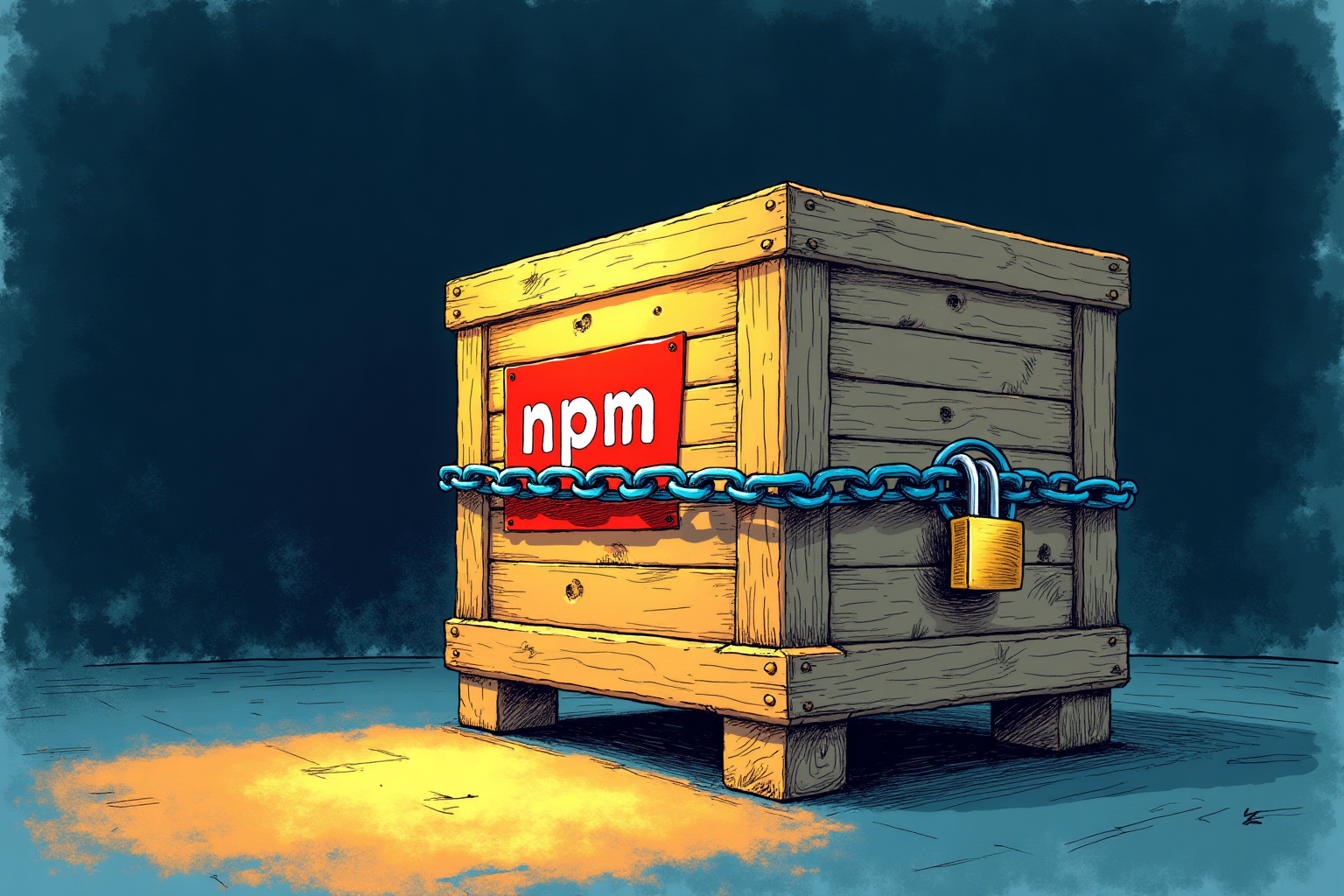

GitHub has announced significant changes to the upcoming npm version 12, set for release next month. The update will disable install scripts by default, targeting the abuse of npm lifecycle hooks during the ‘npm install’ command. These hooks have been a major attack surface for software supply chain threats, allowing compromised packages to run arbitrary code on developer machines or CI runners.
Key Changes in npm 12
The new version introduces several opt-in mechanisms. The ‘npm install’ command will no longer execute preinstall, install, or postinstall scripts from dependencies unless explicitly allowed via the ‘allowScripts’ configuration. Git dependencies and remote URL resolutions (such as HTTPS tarballs) will also be blocked unless users provide specific flags like ‘–allow-git’ or ‘–allow-remote’. This includes implicit builds like node-gyp rebuilds, which are treated as blocked scripts.
Impact on Supply Chain Security
By requiring explicit user approval for script execution, npm 12 closes a critical code execution path that has long plagued the ecosystem. GitHub described install time lifecycle scripts as the ‘single largest code execution surface in the npm ecosystem.’ The change makes script execution opt-in, keeping it one command away for trusted packages while preventing automatic execution from transitive dependencies. This measure aims to reduce the risk of malicious packages spreading through the dependency chain without user consent.
Source: The Hacker News