
Organizations that rely on Windows driver auto-install should treat it as an attack surface: researchers have chained the Plug and Play installation path into SYSTEM code execution on a fully updated Windows 11 machine using emulated USB devices.
The technique, presented at DEF CON 34 by Alejandro Hernando and Borja Martinez, is called “Plug And Pwn: Weaponizing Windows PnP Auto-Install.” With the right preconditions, a low-privilege user can convert the PnP install flow into SYSTEM-level code execution.
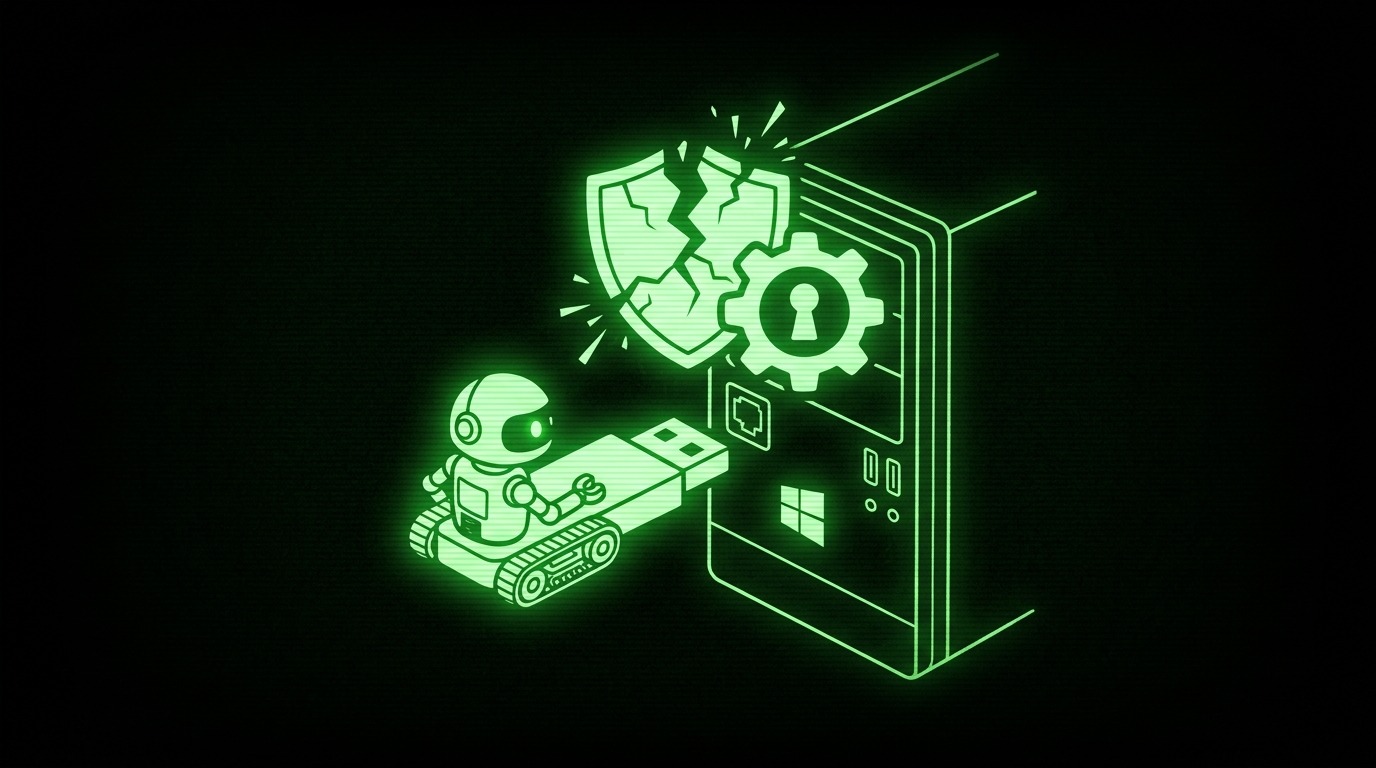
On the physical path, a spoofed Sierra Wireless device is presented first. Windows responds by installing SwiService.exe, a SYSTEM service that exposes a SetDNS primitive, which the researchers then use to redirect DNS. With DNS redirected, a Sony FeliCa reader is emulated next. Its co-installer pulls configuration files over plain HTTP and derives local filenames directly from the URL paths. A path-traversal weakness makes it possible to plant a DLL inside System32. Reconnecting the Sierra device causes Windows to load that planted file, and the result is SYSTEM.
For the remote variant, no hardware is needed at all: synthetic USB traffic over RDP stands in for the physical device. A Python client fakes a USB identity, showing Windows a ghost Intel RealSense device and steering it down the redirected installation path. The RealSense software that gets installed can then be abused through a CRYPTBASE.dll search-order hijack started from a user-writable folder, which elevates the authenticated low-privilege user to SYSTEM code execution.
Microsoft says low-level USB redirection is not allowed by default over Remote Desktop, and the demonstrated result should not be generalized to an untested Windows version range. The research shows how driver auto-install, a convenience feature, becomes a code execution primitive when emulated hardware meets privileged installation logic.